In your DAW
Drumagog works in your DAW or on its own.
Drumagog 6 runs as VST3, Audio Unit and AAX on macOS and Windows, with ARA 2 in the DAWs that support it. A standalone app comes with both editions.
Formats
One installer for each platform puts every format on your computer.
| VST3 | On macOS and Windows, with ARA 2 in the DAWs that support it. |
|---|---|
| Audio Unit | On macOS, with ARA 2 in the DAWs that support it. |
| AAX | On macOS and Windows, for Pro Tools. Drumagog itself runs without an iLok. |
| Standalone app | On macOS and Windows, included with both editions. |
With ARA, Drum mode finds the hits before you press play.
Drumagog reads the whole track through ARA in REAPER, Studio One, Cubase and Nuendo. In Drum mode the waveform and every hit appear on their own shortly after you add it.
ARA also ties Drumagog to your DAW’s transport. Clicking the waveform moves the playhead, and dragging across the MIDI page’s ruler sets your DAW’s loop.
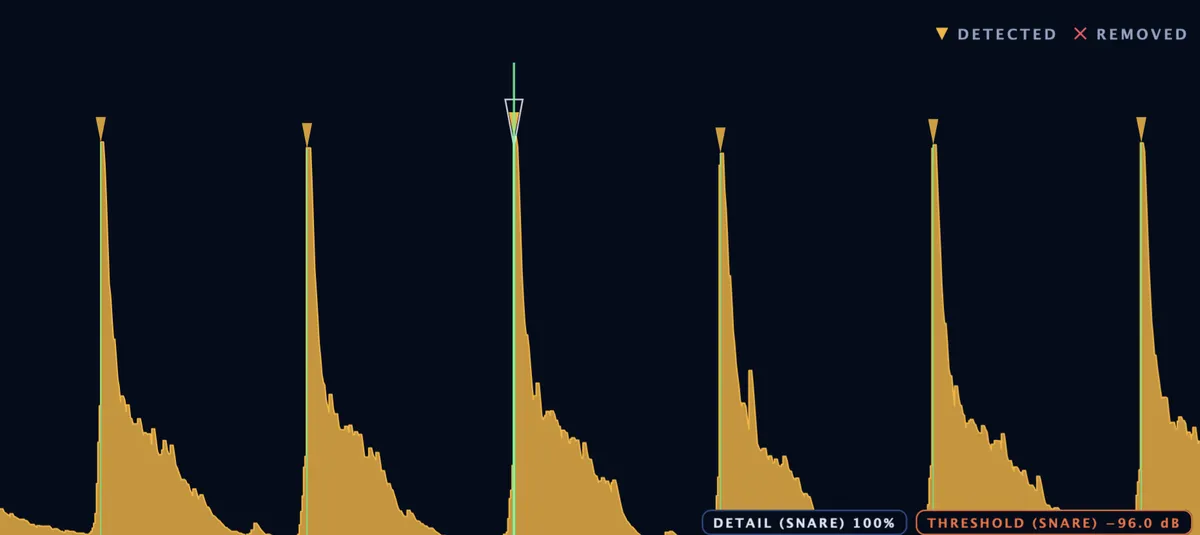
In every other DAW, just press play.
Drumagog replaces the drum live as the song plays, the way Drumagog 5 always has. At the same time the waveform fills in under the playhead with a marker on every hit, ready to check and tweak when you stop. Edit the audio later and Drum mode picks up the change by itself.
The standalone app
The standalone app is Drumagog without a DAW. Load a recording and Drumagog works through the whole file for you, with no play-through. Choose your sounds as you would in the plug-in, then export a 24-bit WAV at the recording’s own sample rate.
It reads WAV, AIFF, FLAC, MP3 and Ogg files, plus M4A, AAC and CAF on a Mac. Your whole session, from the GOGs to the hits and every setting, saves to a single file.
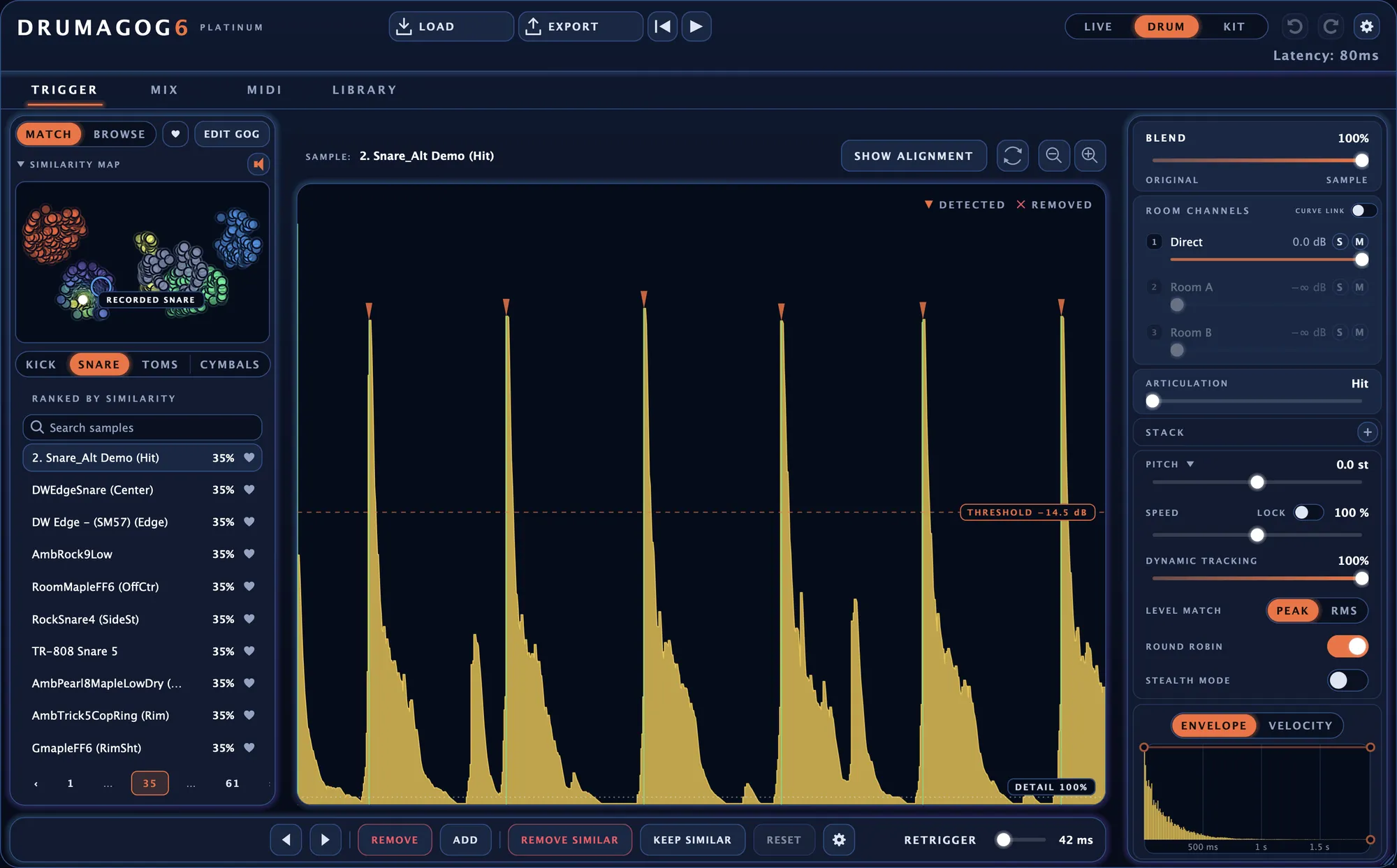
The standalone app, with LOAD and EXPORT in the title bar.
Drumagog 5 keeps working.
Drumagog 6 installs in its own folders beside version 5. Sessions that use Drumagog 5 keep loading it exactly as they did before.
Install it next to your current setup.
The trial leaves your Drumagog 5 install alone.